How to set-up myQ
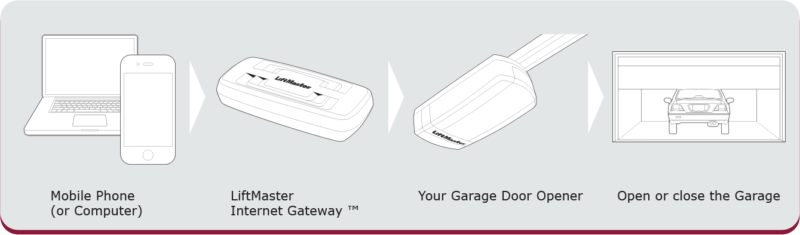
myQ provides revolutionary technology for garage door automation … and beyond. myQ will make life easier as it allows monitoring and controlling the garage door from anywhere in the world by smart phone, tablet or computer.

1. Connect:
Connect the provided ethernet cable to router. Use the plug valid for your country (not all models). Connect power to the internet gateway. When the internet gateway connects to the internet the green light will stop blinking and will light solid.

2. Create an account:
Visit www.myliftmaster.eu to create an account. If you already have an account, use your login and password.

3. Register gateway:
Enter the Serial Number from the GATEWAY (see label on the bottom of the Internet Gateway)

4. Add myQ Devices:
Use an Internet enabled computer or smart phone to add devices. After you add a device, the blue light on the internet gateway will appear and stay on. For smartphones: Apps can be downloaded free of charge.
How It Works